Scratch Coding for Kids
Customize sprites and backgrounds with built-in graphic tools
Scratch Coding for Kids in Chandigarh
Introduce your child to the exciting world of programming with Scratch Coding for Kids in Chandigarh. Scratch is a beginner-friendly, visual programming language developed by MIT that helps children learn coding through games, animations, and stories. Our Scratch coding classes are specially designed for kids aged 6 to 14 years, making coding fun, simple, and engaging.
With hands-on projects and interactive lessons, children learn how to think logically, solve problems, and express creativity through code
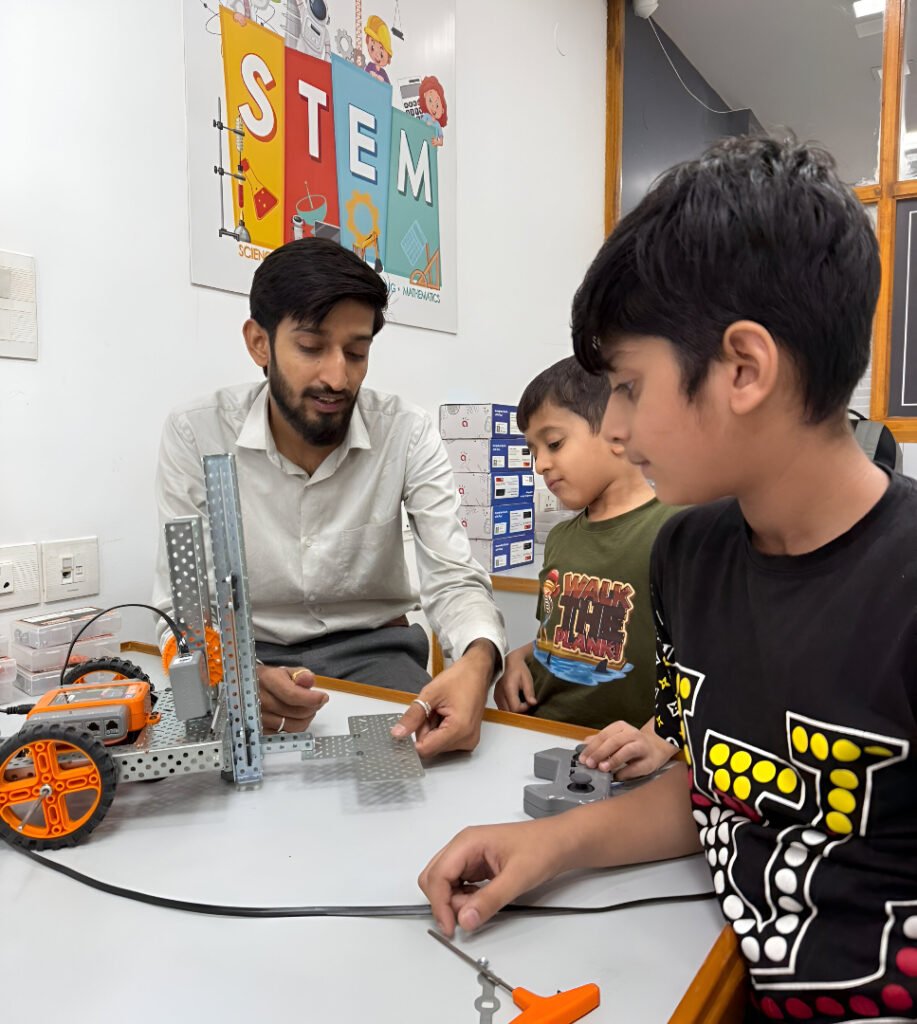
What Kids Learn in Scratch Coding Classes
Core Programming Concepts
Kids will learn the logic behind how computers think — including loops, conditions, variables, and sequences — using fun drag-and-drop blocks.
Game & Animation Design
Children design their own characters, backgrounds, and animations while learning how logic controls movement and actions.
Design & Creativity
They’ll customize characters (sprites), design backgrounds, and add sound effects to create interactive projects that feel like real games or apps.
Course Duration
Beginner Level – 1 Month (Weekend Program)
Intro to Scratch interface & block basics
Make your first animated story
Create fun sound + movement games
Full Program – 3 Months
Master core Scratch logic blocks
Build mini-games (maze, quiz, clicker)
Start with storytelling + gamification
Final project presentation day (parents invited

Course Topics: Scratch Coding for Kids
Explore the range of services we offer to elevate your business.
Module 1: Getting Started with Scratch
Introduction to Scratch interface
Creating and customizing sprites
Working with stages and backdrops
Basic motion and sound blocks
Simple animations
Module 2: Programming Fundamentals
Understanding sequences and events
Using loops and repetition
Adding conditions with “if-then” blocks
Introduction to variables
Debugging and fixing errors
Module 3: Creative Projects & Storytelling
Designing interactive stories
Creating animated scenes with dialogue
Using broadcast and messaging between sprites
Adding background music and sound effects
Final Storytelling Project
04
Module 4: Game Design Essentials
Designing player movement and controls
Creating simple games (maze, quiz, clicker, pong)
Adding score, levels, and timer mechanics
Win/lose logic and restart options
Final Game Pro
05
Module 5: Showcase & Presentation
Polishing and testing projects
Preparing project walkthroughs
Presenting to peers and parents
Receiving feedback and certificates
Ready to Become a Scratch Coding ?
Start your journey today. Enroll now and build the future!
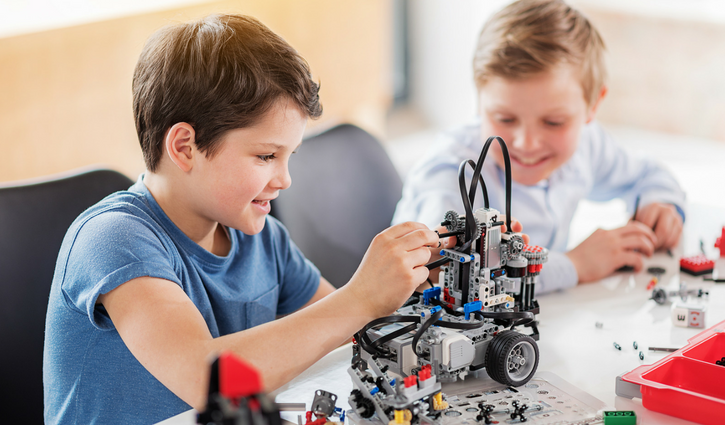
Learning Outcomes
Understand core coding concepts like loops, conditions, and variables
💡 Build interactive games, quizzes, and animations using Scratch
🧩 Strengthen logical thinking and step-by-step problem-solving
🎨 Boost creativity by designing characters, backgrounds, and stories
Tools & Technologies You’ll Learn
Scratch Programming Platform
Game & Animation Design Tools
Scratch Art & Design Editor
Logic & Flow Programming Concepts
Sound & Music Integration Tools
Debugging Techniques
Presentation & Storytelling Tools
Online Scratch Studio
Enroll in our cutting-edge courses today and start building your future with hands-on tech skills!
Would you like a shorter version or one tailored to a specific course like AI, Robotics, or Data Science